
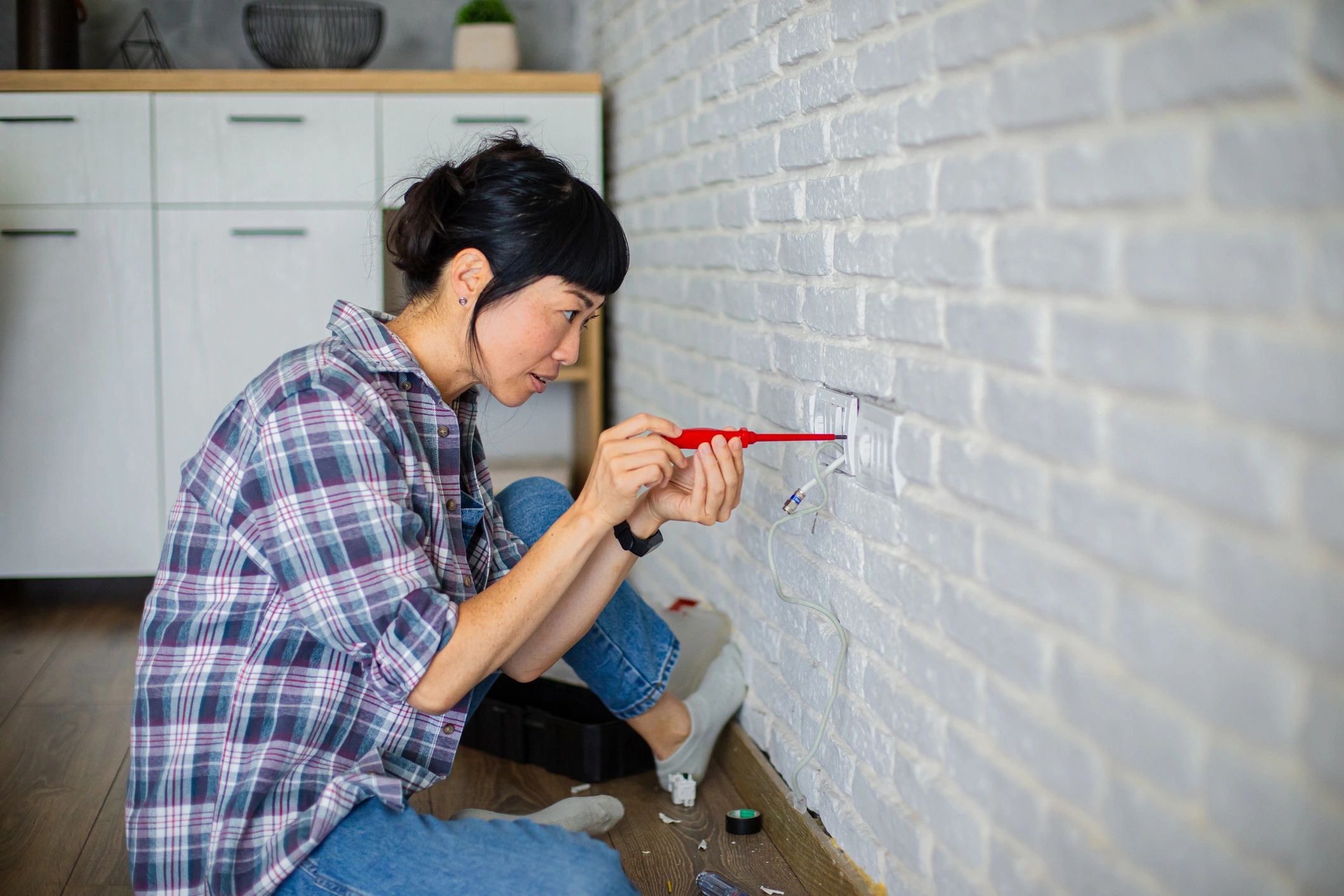
Turn Your House Into a Smart Haven—Without Breaking the Bank
Imagine walking into a home that adjusts the lights as you enter, brews your coffee automatically, or alerts you if a window is left open during rain—all without spending thousands on pre-built systems. Smart homes are no longer just for tech elites; they’re becoming accessible to everyday homeowners, especially in cities like Jhelum and across Punjab, where energy efficiency and convenience are top priorities. With rising electricity costs and unpredictable power supply, DIY smart home upgrades offer practical solutions that put control back in your hands.
The best part? You don’t need advanced skills or expensive gear to get started. From motion-sensing lights to remote-controlled fans, simple, budget-friendly projects can significantly boost comfort, security, and energy savings. Whether you’re renting or owning, these customizable upgrades let you test the waters without long-term commitments.
In this guide, you’ll discover seven hands-on projects that use widely available tools and components, require minimal setup, and deliver real-world benefits. Learn how to automate lighting, monitor home security, manage appliances remotely, and integrate voice control—all with affordable, plug-and-play solutions. These smart tweaks aren’t just about novelty—they solve everyday problems like forgetfulness, energy waste, and home safety. Let’s dive into how you can build a smarter, more efficient living space, one DIY project at a time.
1. Transform Your Home with Smart Plugs: Voice-Controlled Convenience for Less
Turn ordinary appliances into smart devices without breaking the bank—smart plugs make it possible. These compact, affordable gadgets fit into any standard wall outlet and let you control lamps, fans, coffee makers, and more using voice commands through platforms like Alexa or Google Assistant. Whether you’re in Jhelum after a long day or managing household tasks across Punjab, activating lights or turning off a forgotten iron from your phone adds serious convenience.
Start by choosing a Wi-Fi-enabled smart plug compatible with your preferred voice assistant. Plug it into the wall, then connect it via the manufacturer’s app—most setups take under 10 minutes. Once linked, assign the device a clear name (like “Living Room Lamp”) for easy voice control. You can also create schedules: automate your morning coffee by powering on the coffee maker at 7:00 AM or set holiday lights to turn off at midnight.
For added efficiency, use smart plugs to monitor energy usage and identify power-hungry appliances. Group multiple plugs into scenes—say, “Goodnight”—to shut off all non-essential electronics at once. With no rewiring or professional installation needed, smart plugs offer a simple, scalable entry point into home automation that delivers real-time control and long-term savings.
2. DIY Motion-Sensor Lights: Brighten Your Home Safely & Smartly
Upgrade your living space with motion-activated lighting—no electrician required. These simple wireless kits are perfect for hallways, closets, and dark corners, offering both safety and energy efficiency. Whether you’re navigating a pitch-black hallway late at night or need hands-free lighting in a cramped storage area, motion-sensor lights deliver convenience where it matters most.
Choose the Right Kit for Your Space
Look for battery-powered or plug-in models with adjustable sensitivity and timer settings. For high-traffic areas in homes across Jhelum or other parts of Punjab, a longer delay ensures lights stay on long enough to move through safely.Optimize Placement for Maximum Coverage
Install sensors at eye level (about 4–5 feet high) and angle them toward pathways or entry points. Avoid pointing them directly at windows or heat sources to prevent false triggers.Use in Closets & Pantries for Hands-Free Access
These compact spaces benefit greatly from automatic illumination. A small adhesive-mounted sensor can turn on the moment you open the door, eliminating fumbling for switches.Enhance Safety on Stairways and Hallways
Motion lights reduce the risk of trips and falls, especially in homes with children or elderly family members. Place units at both ends of staircases for continuous visibility.Save Energy by Reducing “Left-On” Bulbs
Since lights only activate when needed, you’ll cut down on wasted electricity. In regions with frequent power fluctuations, this efficiency supports longer-lasting bulbs and lower bills.
With minimal effort and cost, motion-sensor lights add a smart layer of functionality to any home.
Smart Thermostat Basics: Take Control of Your Home’s Climate for Less
Installing a budget-friendly smart thermostat is one of the fastest ways to cut energy waste and boost home comfort—no HVAC pro required. With intuitive interfaces and step-by-step setup guides, today’s models are designed for DIYers in cities like Jhelum and across Punjab, where extreme summers and chilly winters make efficient climate control essential. Follow these key steps to get yours running smoothly.
Choose the Right Model for Your System
Ensure compatibility with your existing HVAC setup—most budget thermostats support common systems, including central heating, heat pumps, and forced air. Check if your setup includes a C-wire (common wire) for continuous power; if not, opt for models that include a power extender kit.Turn Off Power Before Installation
Safety first: shut off power to your HVAC unit at the circuit breaker. This prevents electrical shorts and protects your system during installation.Label and Remove Old Wires
Take a photo of your current thermostat’s wiring before disconnecting anything. Label each wire with the provided stickers to avoid confusion during setup.Mount the New Base and Connect Wires
Secure the new thermostat’s base to the wall, connect each labeled wire to its corresponding terminal, and snap the device into place.Power On and Complete App Setup
Restore power and follow the on-screen prompts. Pair the thermostat with your smartphone app to create custom heating and cooling schedules based on your daily routine.Optimize Schedules for Maximum Savings
Set lower temperatures during work hours and pre-cool or pre-heat before you return home. Many models offer geofencing, which uses your phone’s location to adjust settings automatically.
With proper configuration, a smart thermostat can reduce energy bills by adjusting conditions when you’re away—making it a smart investment for any Pakistani household looking to save without sacrificing comfort.
Turn Old Devices into Smart Security: A Budget CCTV Solution
Transforming unused smartphones or tablets into Wi-Fi security cameras is a smart, cost-effective way to boost home safety without investing in expensive surveillance systems. With just a few free apps and cloud storage, you can create a reliable monitoring network that keeps an eye on your property—perfect for homes in Jhelum, urban apartments in Lahore, or vacation houses across Punjab.
Choose the Right Device
Pick an older smartphone or tablet with a clear camera and stable Wi-Fi connectivity. Ensure it has sufficient battery life or, ideally, keep it plugged into a power source for continuous operation.Install a Trusted Surveillance App
Use a reputable free app designed for turning mobile devices into security cameras. These applications support live streaming, motion detection alerts, and audio monitoring—all controllable from your primary device.Position for Maximum Coverage
Mount your DIY camera at entry points like front doors, garages, or ground-floor windows. Use wall mounts or stands to secure the device at an optimal angle, avoiding blind spots.Enable Cloud Storage & Alerts
Link the camera to cloud storage to automatically save footage. Enable push notifications so you’re alerted immediately if motion is detected, even when you’re away.Secure Your Network
Protect your privacy by using strong passwords and enabling two-factor authentication on your accounts. Ensure your home Wi-Fi network is encrypted to prevent unauthorized access.
This budget-friendly approach gives you peace of mind with real-time monitoring—no professional installation needed.
Smart Home Starter Guide: Answering Your Top FAQs
What devices work together in a DIY smart home?
Compatibility is key when building your system. Most modern smart devices use standard protocols like Wi-Fi, Zigbee, or Z-Wave. Start with a central hub or smart speaker (like a voice assistant) that supports multiple ecosystems. Look for products labeled as “works with” popular platforms to ensure smooth integration across brands.
Do I need a strong Wi-Fi for smart home devices?
Yes—reliable Wi-Fi is essential. Devices like cameras, smart thermostats, and voice assistants depend on stable internet. In larger homes or areas with weak signals (like older homes in Jhelum), consider adding a mesh network or Wi-Fi extender to maintain consistent connectivity across all devices.
Are smart home devices secure?
Privacy matters. Choose devices with built-in encryption and regularly update firmware. Use strong, unique passwords for your router and connected devices. Avoid public Wi-Fi when accessing your system remotely, and review app permissions to limit data sharing.
Can I expand my system over time?
Absolutely. Begin with one or two devices—like smart plugs or lights—then scale gradually. Stick to interoperable products so new additions integrate easily. A modular approach lets you test features before investing more, whether you’re automating lighting, security, or climate control.
What if a device stops working or goes out of support?
Select brands known for long-term software updates. Open-source platforms often offer better longevity and community support. Always check if devices remain functional without cloud services in case the manufacturer discontinues support.
Start Small, Save Big: Your Smart Home Journey Begins Here
Building a smart home doesn’t require a full-scale renovation or a six-figure budget—success lies in starting small and scaling intelligently. By focusing on affordability, security, and usability, you can create a connected living space that evolves with your needs. Begin with foundational upgrades like smart plugs or LED bulbs, which offer instant automation and energy savings without complex installations. These entry-level devices let you explore scheduling, voice control, and remote access—key benefits of smart home tech—while staying under budget.
Always prioritize security: change default passwords, enable two-factor authentication, and keep firmware updated to protect your network. Choose devices that integrate seamlessly with common platforms like Google Home or Amazon Alexa to ensure compatibility and ease of use. As you gain confidence, gradually layer in more advanced systems like smart thermostats, doorbell cameras, or leak detectors—especially valuable for homeowners in regions like Punjab dealing with seasonal weather shifts.
Pro tip: Test one room at a time—start with the living area or kitchen. This targeted approach helps you spot what works before expanding. Look for Wi-Fi-enabled devices to avoid costly hubs, and take advantage of local deals from retailers in Jhelum or Lahore to stretch your budget further. The goal isn’t to automate everything overnight, but to build a smarter, safer, and more efficient home—one smart decision at a time. Ready to begin? Pick one project from this list and implement it this weekend.
Discover more from UnzipWorld: DIY, E-commerce, Fashion & Tech Insights
Subscribe to get the latest posts sent to your email.