
Why Knowing Your Package’s Whereabouts Matters
In today’s fast-moving logistics landscape, tracking a delivery package isn’t just convenient—it’s essential. With millions of parcels moving daily across cities like Lahore, Jhelum, and beyond, the ability to monitor a shipment in real time ensures peace of mind, reduces uncertainty, and helps manage supply chains more efficiently. Whether you’re receiving critical documents, time-sensitive medical supplies, or weekly grocery deliveries, knowing when and where your package will arrive allows for better planning and fewer disruptions.
Modern logistics rely heavily on transparency. Real-time tracking gives customers control by offering live updates on location, estimated delivery times, and any potential delays. This visibility is especially important in urban and semi-urban areas where delivery windows are tight and missed connections can mean postponed access to essentials.
In this guide, you’ll learn how to effectively track any parcel, interpret tracking codes, leverage delivery alerts, and understand carrier protocols. You’ll also discover how GPS-enabled drivers, automated status updates, and digital proof of delivery are reshaping expectations for reliability. From the moment a package is scanned at dispatch to its final handoff at your doorstep, every step can—and should—be visible. Stay informed, stay prepared, and take full advantage of the tools that make modern delivery more predictable than ever.
Unlock the Power of Your Tracking Number: A Step-by-Step Guide
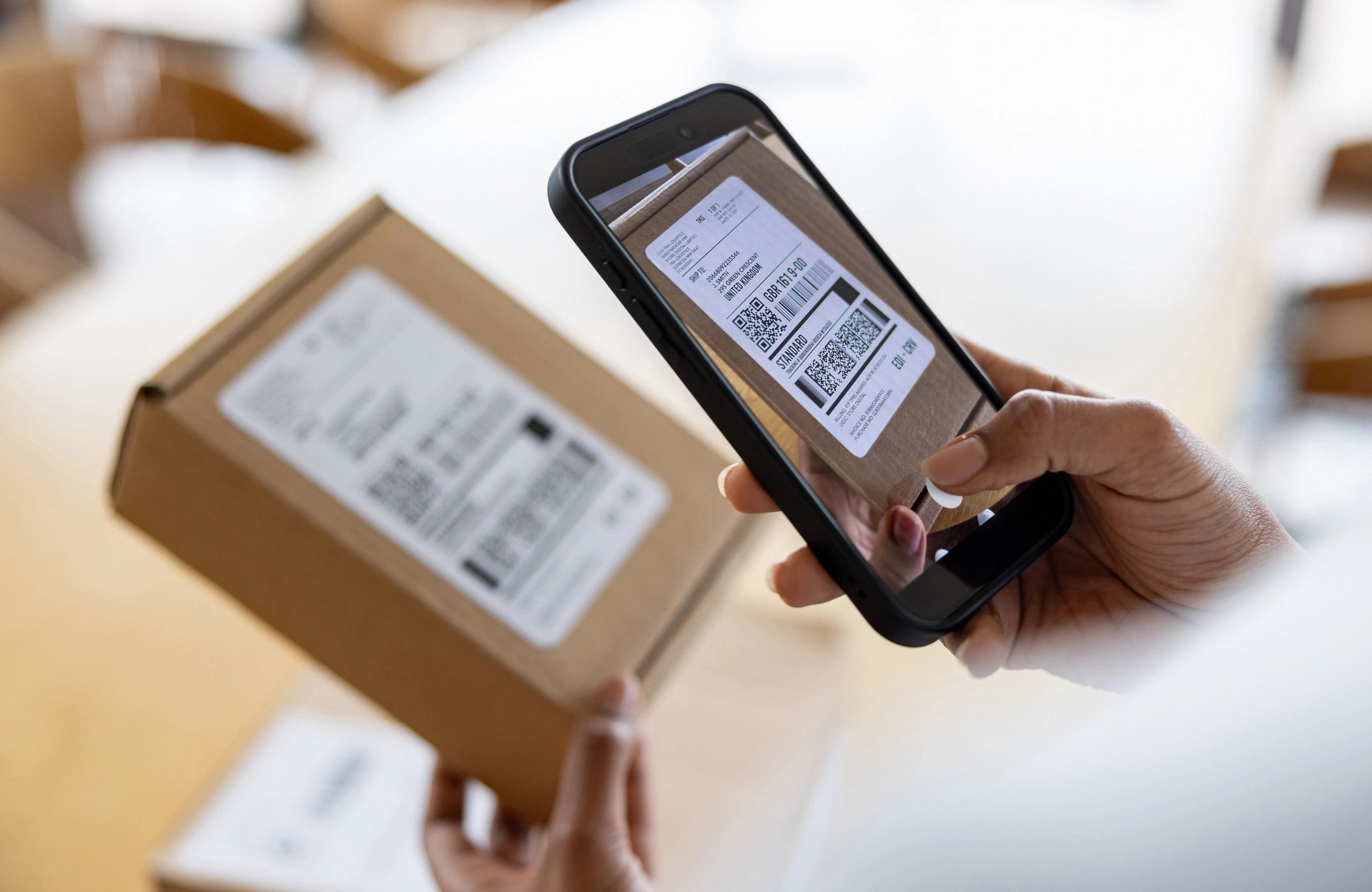
Knowing how to find and use a tracking number is essential for staying informed about your package’s journey—from dispatch to doorstep. Whether you’re expecting groceries, electronics, or clothing, following these clear steps ensures you’re always in the loop.
-
Locate Your Tracking Number
After placing an order, check your email receipt or order confirmation page. The tracking number is typically a 10–20 character alphanumeric code, often labeled “Track Your Order” or “Shipment Details.” If you don’t see it, log into your account on the retailer’s website and review your order history. -
Copy the Number Accurately
Precision matters. Even one incorrect character can lead to a “tracking not found” error. Copy the number directly from the source and avoid adding spaces or dashes unless specified. -
Visit the Carrier’s Tracking Page
Most delivery services—like TCS, Leopard, or local couriers in cities such as Lahore, Jhelum, or Karachi—offer real-time tracking on their websites. Paste your tracking number into the search field to retrieve the latest updates. -
Use Multi-Carrier Tools When Needed
If the shipping provider isn’t listed, use universal tracking tools available on major e-commerce platforms. These automatically detect the carrier and pull in live data. -
Enable Notifications
For proactive updates, sign up for SMS or email alerts. This is especially helpful for time-sensitive deliveries, like fresh grocery orders requiring immediate handling upon arrival.
Pro Tip: Save your tracking number in your phone notes or forward the confirmation email to a dedicated folder for easy access. This simple habit reduces stress and keeps you one step ahead.
Top 5 Carriers and How to Use Their Tracking Tools Effectively
When it comes to staying on top of your delivery, knowing how to use carrier tracking systems is essential. Whether you’re expecting a package in Jhelum, Lahore, or another city across Pakistan, real-time visibility reduces uncertainty and helps you plan around delivery windows. Here’s how to make the most of tracking tools from widely used carriers like TCS, Leopards, and DHL—with actionable tips to streamline the process.
1. TCS – Leveraging SMS and App-Based Real-Time Updates
TCS offers one of the most accessible tracking experiences in Pakistan. Simply enter your waybill number on their website or reply to the automated SMS with your tracking ID to receive instant updates. For recurring shipments, save your tracking numbers in the TCS app to receive push notifications. Pro tip: If your delivery is marked “out for delivery” but delayed, call the local TCS center in your city—staff often provide clearer ETAs than digital updates.
2. Leopards Courier – Using Multi-Shipment Tracking for Bulk Orders
Leopards allows you to track multiple packages at once—ideal for households or small businesses receiving grouped deliveries. Visit their tracking portal and input up to 20 waybill numbers separated by commas. Monitor status changes like “Received at Hub” or “Dispatched to Jhelum” to anticipate arrival. Enable delivery photo confirmation when available, so you know exactly where your package was placed.
3. DHL – Mastering International Shipment Milestones
For cross-border deliveries, DHL provides granular updates such as “Customs Clearance Initiated” or “Flight Landed in Karachi.” Understanding these status descriptors helps you anticipate delays due to documentation or inspections. Set up email alerts linked to your tracking number to stay informed without manual checks.
4. Utilize Address Notes and Landmark Tags
Regardless of carrier, always include clear delivery instructions—especially in dense urban areas or newly developed neighborhoods. A note like “near Green Market, opposite Jhelum Hospital” helps couriers locate your place faster and reduces rescheduling.
5. Verify Delivery Proof and Report Issues Immediately
Once your tracking status shows “Delivered,” check if a timestamp, photo, or recipient name is attached. If the package isn’t at your doorstep, use the carrier’s in-app complaint feature within 24 hours for fastest resolution. Most services prioritize timely reports over delayed claims.
With these strategies, you transform passive tracking into proactive delivery management—ensuring faster, more reliable receipt of every shipment.
What to Do When Your Delivery Is Late or Can’t Be Found
Waiting for a package that hasn’t arrived can be frustrating, but knowing the right steps to take helps regain control quickly. First, confirm the delivery status using real-time tracking—most couriers provide live updates, estimated arrival times, and GPS-enabled location pings. If the tracker shows delays due to weather, traffic, or high-volume periods, allow a reasonable grace period before escalating.
If the package appears stuck or marked “delivered” when not received, act promptly. Begin by double-checking common drop-off spots like doorways, lobbies, or with neighbors—especially in multi-unit buildings or gated communities in cities like Jhelum or Lahore. Next, verify that your address details are complete and accurate, including area landmarks and contact number, to rule out delivery misdirection.
For unresolved issues, reach out directly through the carrier’s support channel. Many services offer in-app chat, callback options, or email support to investigate missing shipments. Provide key details such as the tracking number, delivery date, and photos of the drop location if available.
In cases of confirmed loss, initiate a claim through the sender or courier. Most platforms allow claims within a set window—typically 7 to 14 days—and may require proof of shipment or delivery confirmation. Stay proactive: save all communication records and set reminders to follow up until resolution.
Stay Ahead of the Curve: 5 Real-Time Tracking & Notification Tips for Smooth Deliveries
Keeping tabs on your delivery doesn’t have to be a guessing game. With the right strategies, you can stay informed every step of the way—especially when managing orders in fast-paced cities like Lahore, Jhelum, or Rawalpindi. Here are five practical tips to master real-time tracking and ensure you never miss a drop-off.
1. Enable Instant Delivery Notifications
Turn on both SMS and app alerts to receive real-time updates the moment your package is picked up, dispatched, or out for delivery. Most platforms allow you to customize alert preferences, so you’re only notified for key milestones. This is especially helpful during peak delivery windows when timing is tight.
2. Use GPS-Based Live Tracking Maps
Many delivery services now offer interactive maps that show your driver’s live location and estimated arrival time. By monitoring movement in real time, you can plan your day accordingly—whether it’s stepping out for a quick errand or ensuring someone is home to receive temperature-sensitive goods.
3. Set Up Delivery Milestone Alerts
Go beyond basic notifications by creating personalized triggers—like alerts when the delivery enters your city or neighborhood. This micro-location tracking helps identify delays early and gives you time to adjust plans, especially for time-critical items like fresh produce or medications.
4. Share Tracking Links with Household Members
Avoid miscommunication by sharing the real-time tracking link with family members or staff. This ensures someone is always informed and ready to receive the order, reducing the risk of missed deliveries or items left unattended.
5. Monitor Multiple Shipments in One Dashboard
If you’re managing several deliveries—be it groceries, retail, or documents—use platforms that consolidate tracking into a single view. A unified dashboard lets you compare delivery speeds, spot bottlenecks, and prioritize follow-ups without switching between multiple apps.
By leveraging these real-time tools, you gain greater control, reduce uncertainty, and ensure smoother, more reliable deliveries—no matter where you are in Punjab.
Frequently Asked Questions About Package Tracking
How do I start tracking my delivery package?
Once your order is confirmed, you’ll receive a tracking number—this unique code is the key to monitoring your package. Simply enter it on the carrier’s website or through the retailer’s order status page to view real-time updates on its journey from warehouse to your doorstep.
How accurate is package tracking information?
Tracking systems update based on scanning checkpoints: dispatch, transit hubs, local sorting, and final delivery. While generally reliable, delays can occur due to weather, traffic, or high-volume periods. Real-time GPS tracking is available with select carriers, especially in urban centers like Lahore, Karachi, and Jhelum.
What do common tracking statuses mean?
- “Shipped”: Your package has left the origin facility.
- “In Transit”: Moving through the carrier network—may include multiple scans daily.
- “Out for Delivery”: En route to your address, often within a few hours.
- “Delivered”: Successfully handed off, sometimes with a photo or signature.
What should I do if tracking hasn’t updated in days?
A stalled status may indicate a missed scan or temporary delay. Wait 24–48 hours before taking action. If no movement occurs, verify the tracking number and contact customer support through the platform you ordered from.
Can I track international packages the same way?
Yes, the tracking number works globally, but updates may be less frequent when crossing borders. Customs clearance can pause visible progress for 1–3 days—this is normal.
Is location sharing available during final delivery?
Many carriers now offer live map tracking for local deliveries, allowing you to see the driver’s proximity in real time—especially useful in densely populated areas like Punjab.
What if my package says “Delivered” but I didn’t receive it?
First, check common drop-off spots: with a neighbor, at the building’s front desk, or near your gate. If still missing, report it immediately through the retailer or carrier with your tracking details.
Mastering the Final Steps: Best Practices to Ensure Reliable Package Tracking
Tracking a delivery package doesn’t end the moment you receive a confirmation email—consistent follow-up and smart planning ensure your shipment arrives safely and on time. To maximize reliability, always confirm the carrier’s tracking number is active and cross-check it across the official platform used for shipping. Many delays stem from incorrect or duplicated tracking codes, especially when third-party services are involved, so verify accuracy early. Set up real-time notifications through email or SMS, enabling proactive responses if your package is rerouted or held at a local facility.
Use tracking filters wisely—organize shipments by delivery date, destination city (such as Lahore, Jhelum, or Rawalpindi), or package type to monitor multiple orders efficiently. For high-value or perishable items, enable GPS live tracking if available, and designate secure drop-off instructions in advance. Always double-check delivery addresses for accuracy, including landmarks commonly recognized in your area, to avoid misdeliveries in densely populated zones.
If a package shows delayed or stalled movement, act quickly—contact the carrier’s support team through official channels and reference your tracking ID. Keeping digital records of all shipment details, including screenshots and timestamps, helps resolve disputes efficiently.
Stay ahead by bookmarking your preferred tracking portals and reusing them across orders. The more control you take, the smoother your experience becomes. Start applying these strategies today—your next delivery is one step closer to perfect timing.
Discover more from UnzipWorld: DIY, E-commerce, Fashion & Tech Insights
Subscribe to get the latest posts sent to your email.